
21 days free. No card needed.
Time Off Requests and Allowance Tracking
Keep track of time off on the same schedule you use to plan shifts, so you only assign people who are working.
Staff send time off requests from the app or the website. You approve them, and approved time off appears on the schedule.
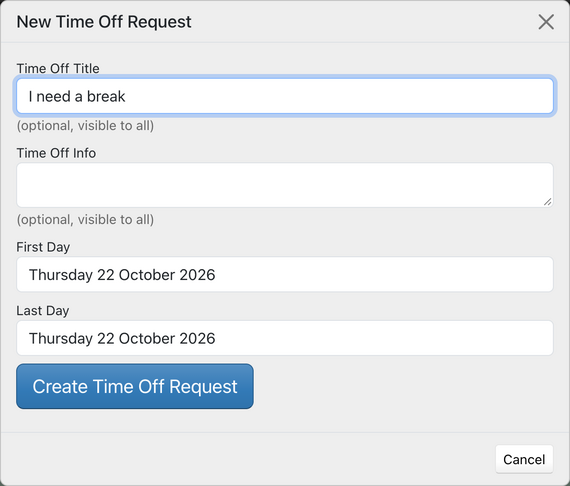
Managers can also add time off for an employee. Set each employee's yearly allowance in days or hours, choose when your time off year starts, and see how much each person has left.
Record sick leave in the same way. Time Off and sick leave can be shown or hidden on the schedule and on printouts, and you can print time off and sick leave reports or export them to CSV.
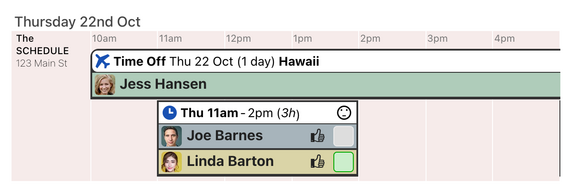
Staff on time off show as unavailable on the assignment menu, so they are not booked by mistake. You choose whether employees can send their own requests, and whether staff can see each other's time off.