
Schedule Software for Remote and Global Teams
Remote teams often work across several countries and time zones, which makes a shared schedule easy to get wrong. ShiftApp shows every shift in each person's time zone, so no one has to manually convert times.
It suits teams such as:
It suits teams such as:
- distributed call centers
- telehealth and telemedicine services
- social media help desks
- inbound sales teams
- follow-the-sun technical support
1. Key features
Time zones handled for you: everyone sees shift times in their own time zone, including the changes when daylight saving starts and ends.
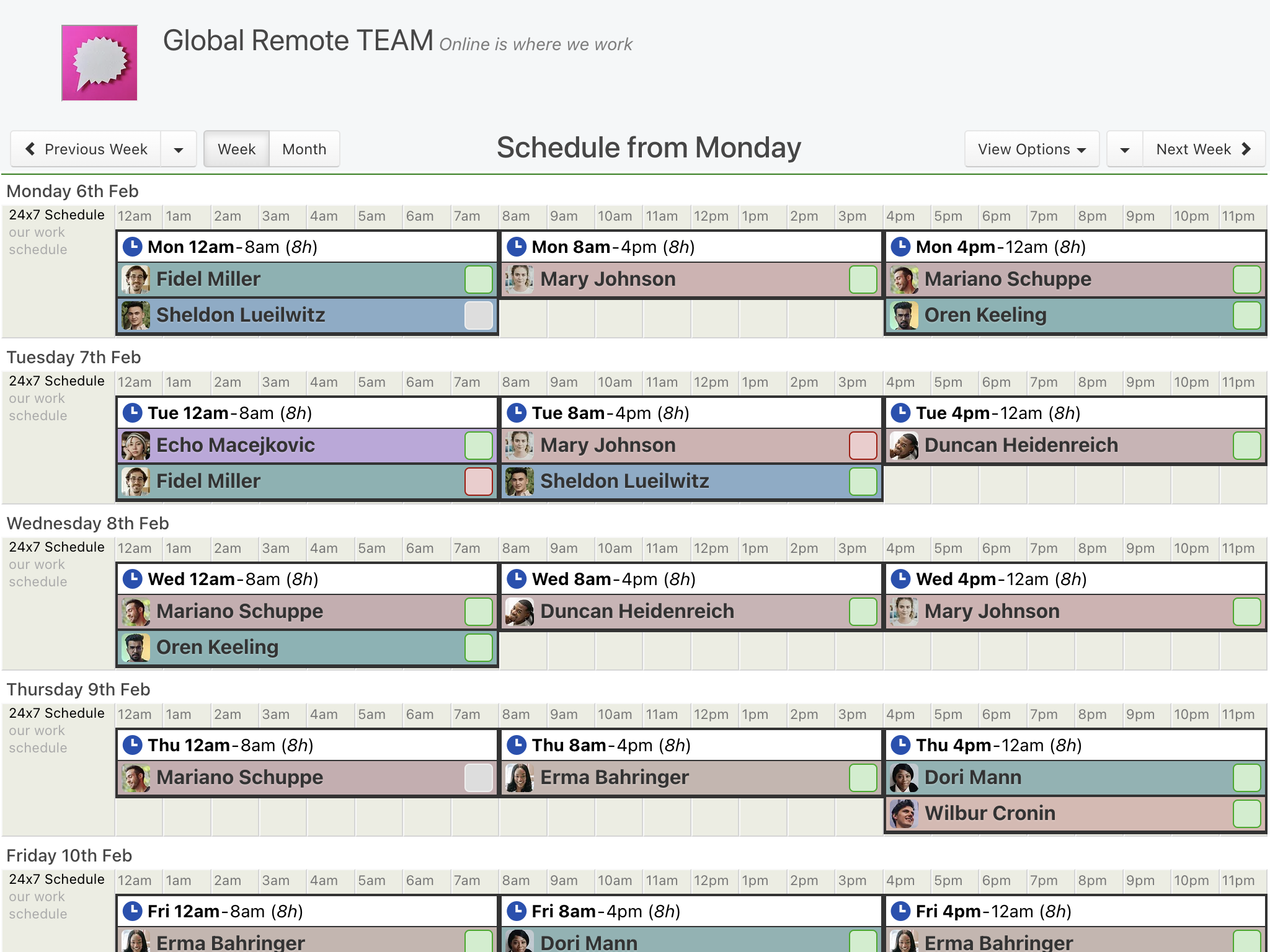
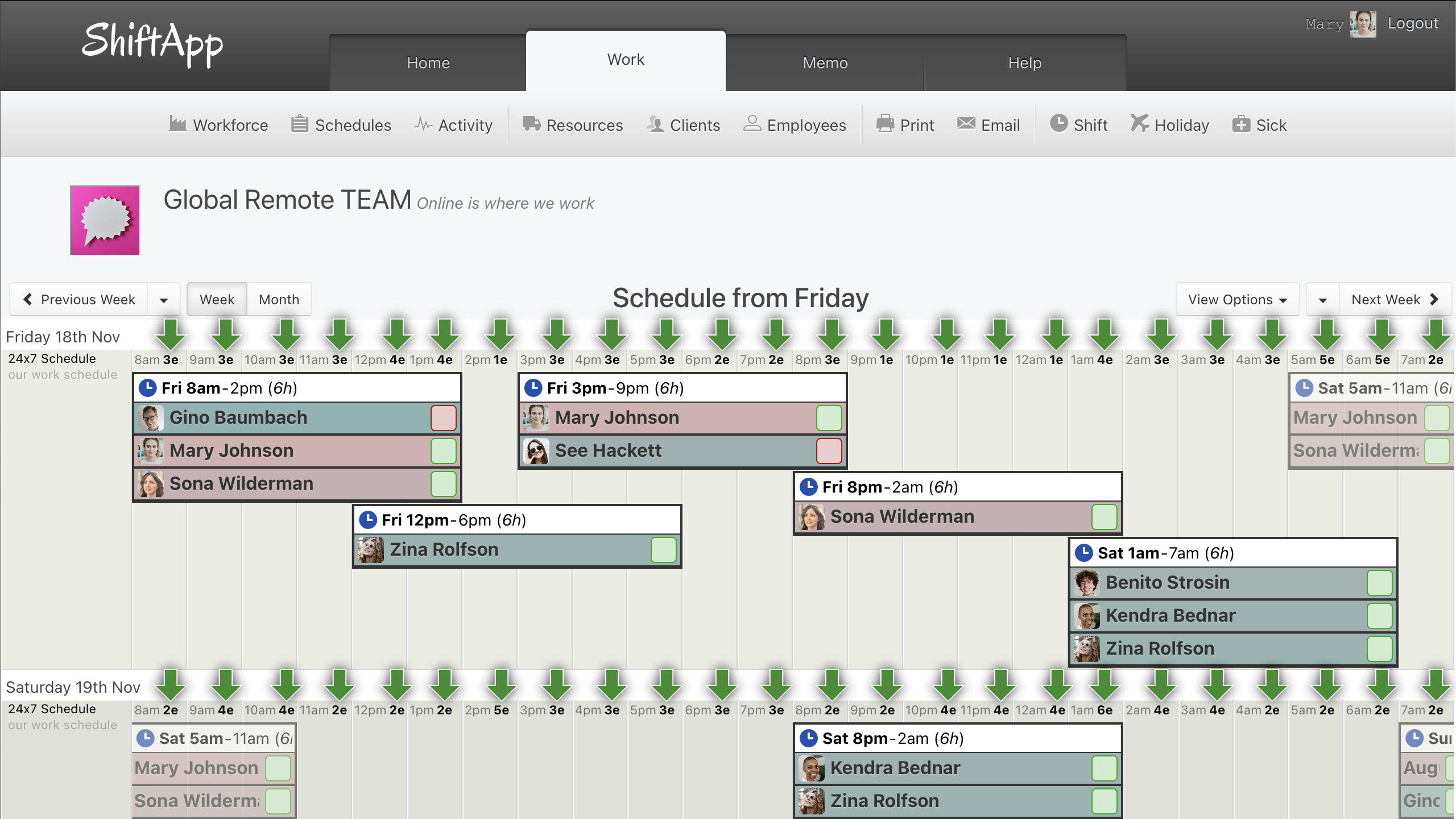
24/7 schedules: build 8-hour, 12-hour or 24-hour shift patterns, or any pattern you need, and use coverage counts to check that each hour is staffed.
Repeating shifts: set up the pattern once, and it repeats into future weeks.
Availability: staff enter their availability in their local time, and managers see it in theirs.
Notifications: staff are told when a shift is added or changed, and reminded before each one.
Printouts and exports: print the schedule, or export shifts, hours, time off and sick leave to CSV.
24/7 schedules: build 8-hour, 12-hour or 24-hour shift patterns, or any pattern you need, and use coverage counts to check that each hour is staffed.
Repeating shifts: set up the pattern once, and it repeats into future weeks.
Availability: staff enter their availability in their local time, and managers see it in theirs.
Notifications: staff are told when a shift is added or changed, and reminded before each one.
Printouts and exports: print the schedule, or export shifts, hours, time off and sick leave to CSV.
2. Getting started
Create your workforce: add your business and your first schedule.
Add your team: add employees and any other managers, then invite them to the app.
Build the schedule: add shifts, set the regular ones to repeat, and add notes where needed.
Run it day to day: make changes on the web or in the app, and staff are told straight away.
Add your team: add employees and any other managers, then invite them to the app.
Build the schedule: add shifts, set the regular ones to repeat, and add notes where needed.
Run it day to day: make changes on the web or in the app, and staff are told straight away.

3. Also included
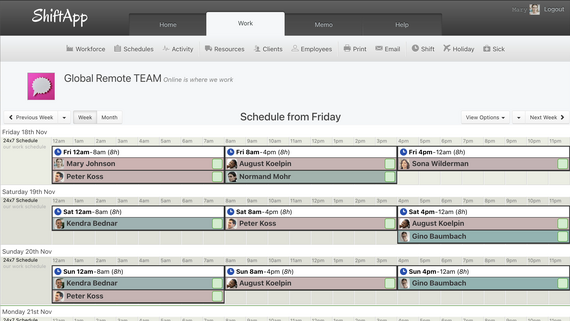
The same schedule on any device: managers and staff see the same calendar-style schedule on the web and in the mobile app.
Memos and chat: send updates to the whole team or one person and see who has read them.
Backups: keep a nightly backup of upcoming shifts in your own Google Drive.
Memos and chat: send updates to the whole team or one person and see who has read them.
Backups: keep a nightly backup of upcoming shifts in your own Google Drive.
4. Try ShiftApp with your remote team
Start a 21-day free trial with no credit card. Add a few team members in different time zones and see how the schedule looks to each of them.
Start free trial 21 days free. No card needed.